Building a website with AI is now something any person can do in a single afternoon, with zero coding knowledge and nothing but a free chatbot account.
That era is over.
You can now describe a website in plain English, paste it into a free AI chatbot, and watch it generate real working code in seconds.
I have built five live websites this way. No coding background. No design degree. Just prompts, patience, and knowing which AI tool to use for which job.
This is the first article in a three-part series. By the end of this one, you will know exactly which free AI chatbots are worth your time, and you will walk away with a real prompt you can paste right now to see it working with your own eyes.
What It Actually Means to Build a Website With AI
When you build a website with AI, you are doing something that would have cost thousands of pounds or years of learning just three years ago.
Every AI chatbot on this list can generate website code from a plain English description.
You type: “Build me a dark, minimal portfolio website with a hero section and a contact form.”
It builds it.
The difference between the tools is quality, context, patience required, and how quickly you hit a wall.
Here is the honest breakdown.

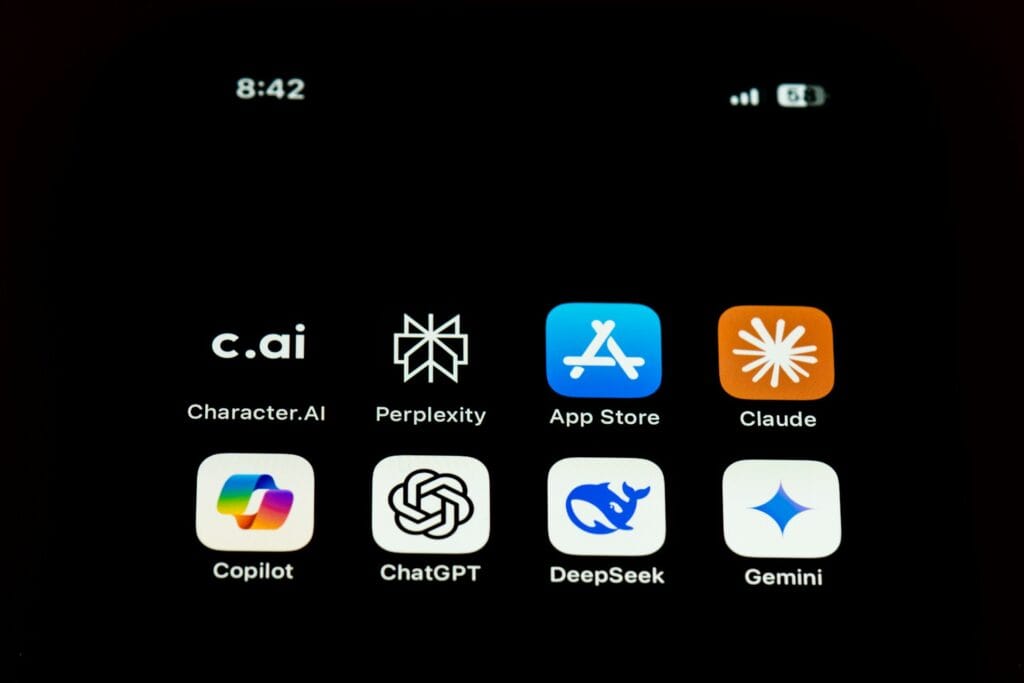
The 5 Free AI Chatbots for Building Websites
1. ChatGPT — Best Overall
Best for: Everything. Seriously.
ChatGPT is the most well-rounded tool on this list. It understands context well, holds long conversations without forgetting what you said ten messages ago, handles complex multi-section builds, and fixes its own errors without much hand-holding.
If you only use one tool, use this one.
Free plan: You get around 10 messages every 5 hours with the full model. After that it automatically drops to a lighter version. It is not a lot. Use it wisely.
Paid plan (Plus): $20 per month. Around 80 messages every 3 hours. Worth every penny if you are building something serious.
Weakness: The free limit runs out fast if you are not being efficient with your prompts.
2. Claude — Highest Quality Output
Best for: Refining. Polishing. Getting something from good to excellent.
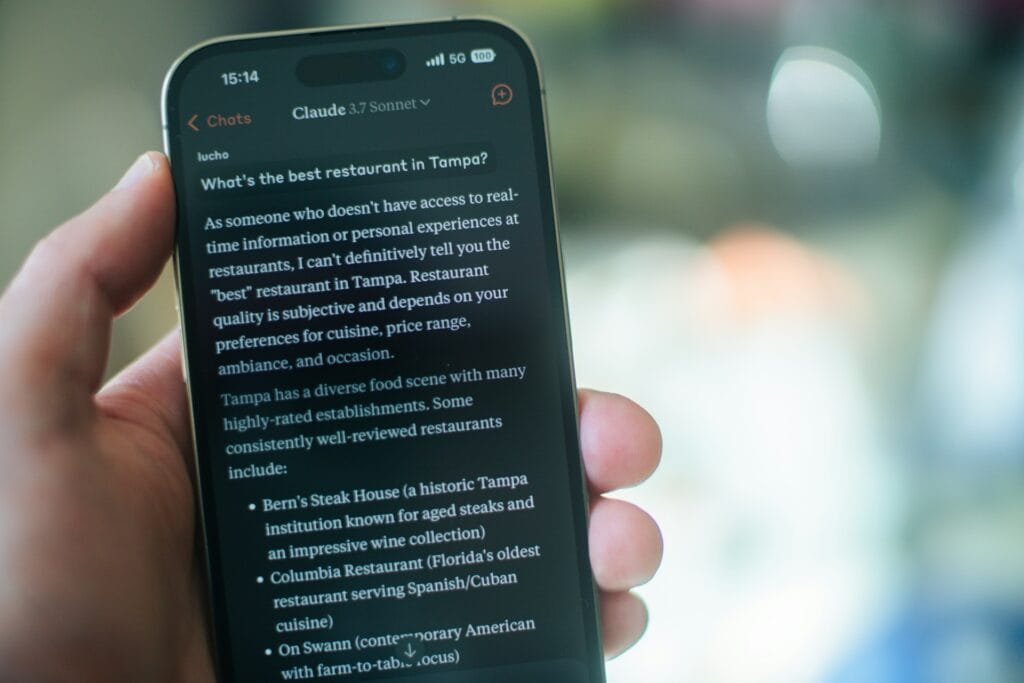
Claude produces the most elegant, clean, well structured code of any tool on this list. When you want something that genuinely looks premium, Claude gets closer to that than anything else.
The catch is brutal.
The free plan burns through credits extremely fast. A single complex build can exhaust your daily limit in two or three messages. It resets every 5 hours, but for long sessions it becomes genuinely painful.
Use it like this: Do your rough build in ChatGPT or Deepseek. Then bring the code to Claude and say: “Refine this. Clean it up. Make it look considered.”
That is where Claude earns its place in the workflow.
Free plan: Dynamic limits. Expect 20 to 40 short messages per day. Pro plan: $20 per month. More breathing room but still not unlimited.
3. Deepseek — The Hidden Weapon
Best for: Design-heavy builds when you have time.
Deepseek is genuinely better than ChatGPT at producing visually interesting, design-forward layouts. It thinks in a more visual way. The output tends to be bolder and more distinctive.
The best part? It is completely free. No caps. No credit system. No paywalls.
The trade-off is context. Deepseek does not hold long conversations as well as ChatGPT. It can forget things you said earlier in a session. For complex multi-page builds, you will need to re-paste your reference details more often.
But for a focused, single-page build? Deepseek is exceptional and costs nothing.
Use it when: You want something that looks genuinely designed rather than generated.
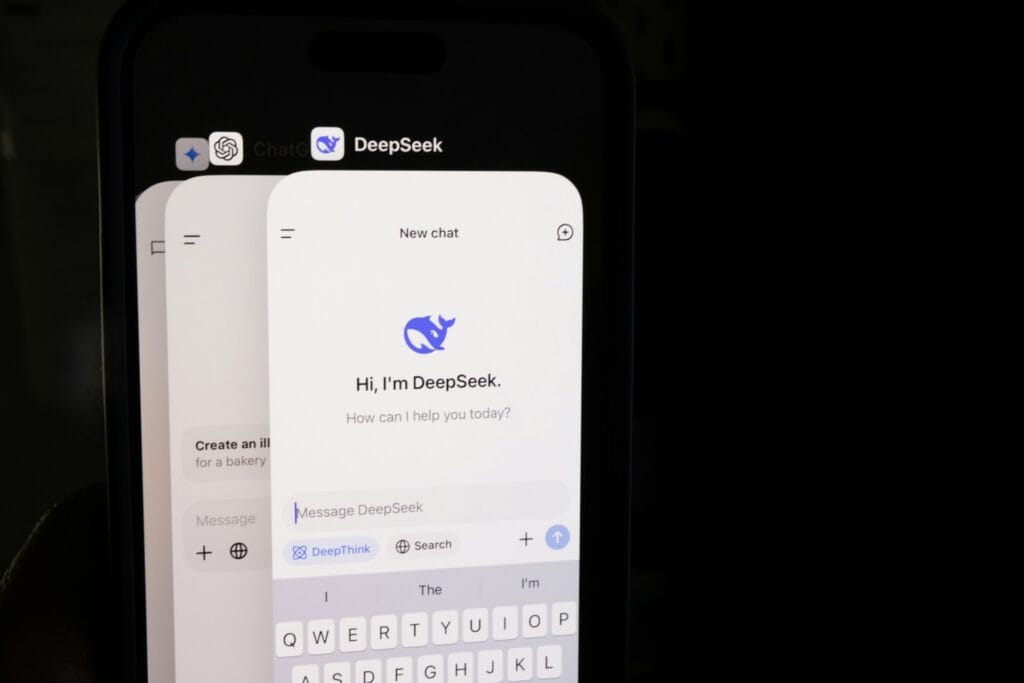
4. Gemini — Proceed With Low Expectations
Best for: Small, minor text edits. That is roughly it.
Google’s Gemini has disappointed consistently in website design tasks. It struggles to hold context across a long session, frequently misunderstands layout instructions, and the output tends to be structurally messy.
The Pro version — which costs money performs almost identically to the free version for design work. That tells you something.
It is not completely useless. If you want to quickly reword a paragraph, or ask a simple factual question, Gemini will serve you fine. For actual website builds? Go elsewhere.
Recommendation: Skip it for this purpose.

5. Microsoft Copilot — Almost Irrelevant Here
Best for: Nothing meaningful in website design right now.
Copilot is excellent for Microsoft Office tasks. It is very good at summarising documents and drafting emails in a corporate environment.
For website design and code generation, it is close to useless at this stage. The outputs are generic, the code quality is poor, and it loses the thread of a design conversation very quickly.
It is included here only because you will see it recommended elsewhere. Save yourself the time.
Get Inspired Before You Touch Any of These Tools
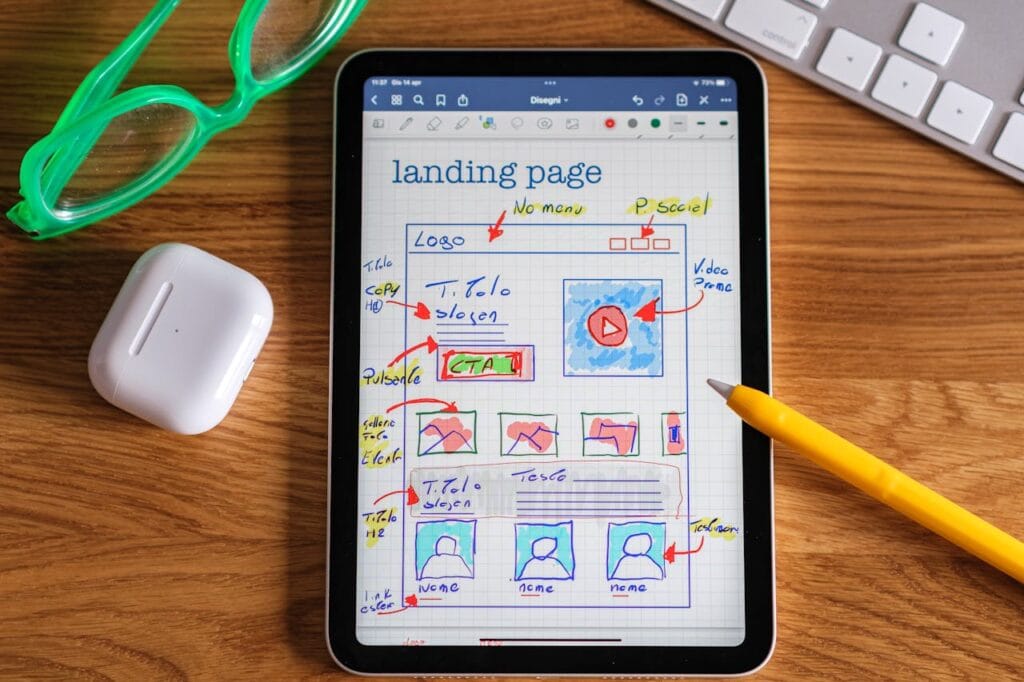
The single biggest mistake people make with AI website building is jumping straight into prompting without a visual reference.
AI cannot read your mind. “Make it look nice” produces nothing useful. You need to know what you want before you can describe it.
These websites are free to browse and endlessly useful:
- Awwwards (awwwards.com) — The gold standard for website design inspiration. The best work from studios and independent designers worldwide. Filter by industry. Screenshot what you love.
- Dribbble (dribbble.com) — Designers sharing work in progress and finished pieces. Incredible for colour palette ideas and typographic references.
- Behance (behance.net) — More detailed project breakdowns. Great for seeing how a full visual identity translates to a website.
- Fiverr (fiverr.com) — Browse web design portfolios in your niche. This is free research. You are not buying anything. You are looking at what professionals are charging for, to understand what good looks like.
Spend 20 minutes here before you write a single prompt. Pick 2 or 3 websites that genuinely excite you. Note the colours, the feeling, the layout, the typography. You will translate these observations directly into your prompt.
Now Let’s Actually Build Something
Here is a prompt you can copy and paste directly into Claude or ChatGPT right now.
Do it. Open the chatbot in a new tab and paste this in.
Build me a single-page personal portfolio website in clean HTML and CSS. Everything in one file. Dark background, almost black. Clean white and light grey text. A large, elegant hero section with a short headline and one line of subtext. Below that, a short about section with two columns of text.
Then a work section showing four project cards in a 2×2 grid, each with a placeholder image area, a project title, and one line of description. End with a minimal contact section showing an email address and three social media links. Use a modern serif font from Google Fonts for headings and a clean sans-serif for body text. No JavaScript. No animations. Just clean, beautiful HTML and CSS. Make it look considered and editorial, not like a template.
Paste that. Press enter.
Watch what happens.
The AI will generate a full, working website. It will show you a preview or give you a block of code. It will look real. It will look designed. You will think: I actually just did that.
That feeling is real. The website is real. The code is real.
The ability to build a website with AI using nothing but plain English instructions is the most genuinely useful thing these tools have produced.
And then you will hit the wall.
The Wall
The code exists. But where does it go?
You cannot just paste code into a browser and have a live website. You need somewhere to host it. A server. A URL. A domain name. A way to connect those things.
If you are building with WordPress, you need hosting, a theme, and a way to inject that code into your site through something like a code snippets plugin. The gap between AI generated this beautiful thing and this beautiful thing is live on the internet is where most people get stuck.
It is not impossible. It is not even that difficult once you know the steps.
But it is definitely not the same step as prompting.
That is what article two is for.
What’s Coming in Article Two
- How to build a website with AI and take the website live on the internet
- Free and near-free hosting options
- Domain names: what they cost and where to buy them
- The difference between a static HTML site and a WordPress site
- Which one you should start with depending on what you want to build
And article three will cover the prompt frameworks that let you stretch your free credits to their absolute limit, build an entire site without wasting a single message, and maintain your website using AI long after it goes live.
Read Next: What the ipod nano reveals about how we listen now


 Psychology · Oct 17, 2026A Monkey Bite Killed the King of Greece
 Psychology · Oct 15, 202615 Surprising Facts That Sound Completely Made Up
 The Margin · Oct 13, 202615 Geography Facts That Sound Completely Made Up